Voter Card Printer
Instant ECI e-EPIC Card Auto-Crop & Align for Standard A4 & PVC Tray Printing
Automatic Cropping · Single & Multi-Page PDF
Perfect Size · 8.6cm × 5.4cm (CR80)
Print & Download · Front & Back Both Sides
Low Processing Fee · ₹1 per PDF (Admin Set)
1. Upload Voter Card PDF
Fast Auto Split & AlignUpload the official Election Commission of India (ECI) e-EPIC PDF. The tool will automatically crop, align and format the Front & Back sides into CR80 printable card dimensions.
Drag & Drop PDF Here
or click to select file from device
Supported format: PDF only · File size: Max 10MB
Card-এর চারিপাশে 20px সাদা মার্জিন যোগ করুন
Sample Voter ID Card
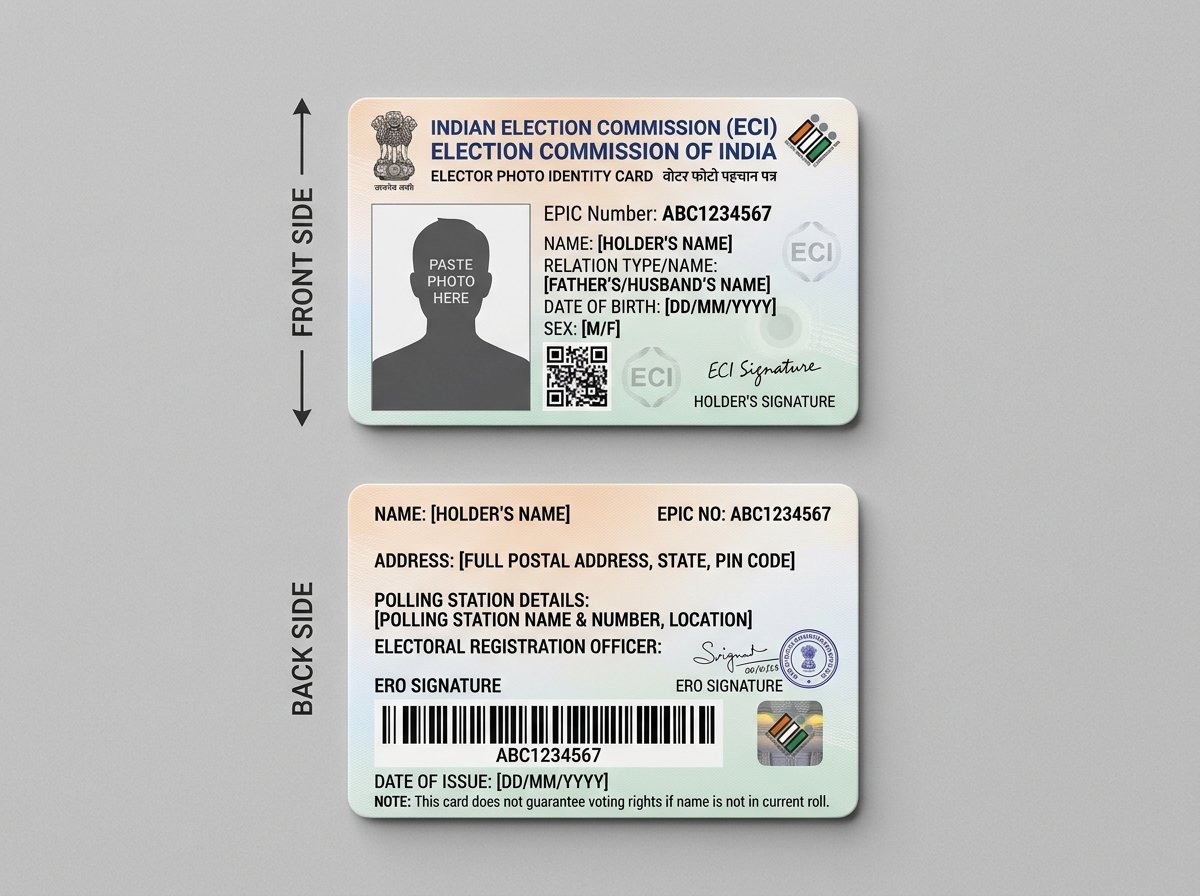
Preview of Front & Back Sides formatted to 8.6cm × 5.4cm
Processing Information
₹
Processing Fee
Admin Configured
Output Size
Standard CR80 Card
Print Option
Select Paper Size
Auto Crop
Automatic Alignment
Output
High Quality Print Ready
How To Use
1
Select PDF
Upload official Voter ID (e-EPIC) PDF file.
2
Auto Cropping
Tool automatically crops & aligns card.
3
Print & Download
Download both sides or print directly.
4
Done
Get high quality card in A4 or PVC tray.
Watch Full Video Guide
Note: For best printing results, use desktop Google Chrome browser.
Easy Printing Guide
- Upload e-Voter PDF: Click the Upload button and select your Election Commission voter card PDF.
- Smart Auto-Crop: System automatically detects card boundaries, removes background and adjusts to standard CR80 size.
- 20px White Strip: Check "চারিপাশে ২০ পিক্সেল সাদা স্ট্রিপ" to add safe margin before laminating or cutting.
- Direct Printing: Choose A4, 4x6, or PVC Tray. Click Print to send directly to your printer with 100% accurate scale.